WinPCGuard
For Companies
Successful businesses look for ways to improve productivity and keep their computer networks running smoothly. WinPCGuard simplifies computer management and helps limit unwanted activity during working hours.
Explore the interface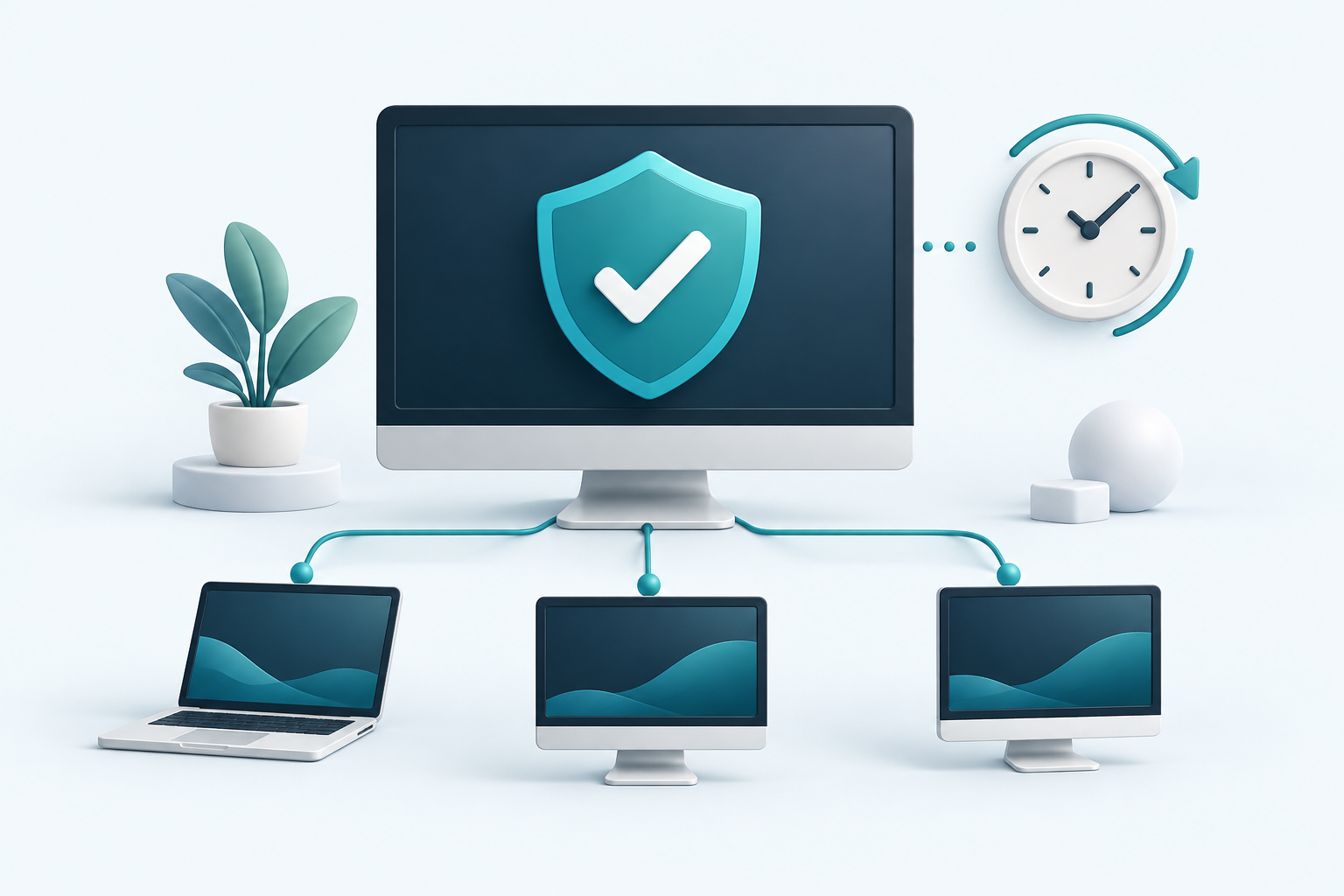
User Monitoring
Display of individual employees' desktops. If you do not like the activity of your employees, WinPCGuard will allow you to display their screen on your computer.
Simple and Fast Computer Administration
WinPCGuard is a client-server application. Set the required restrictions on one computer and send them to client computers. You can also view client screens and monitor their activity.
PRESENTATION TOOL · CLIENT–SERVER
Presentation Tool
Share your screen with client computers during presentations or training, and view client screens to follow users’ work. Ideal for demonstrations, staff training and explaining procedures step by step.
One place for presentations and network management.
Internet Access Restriction
WinPCGuard allows you to disable internet access, disable access to selected websites or conversely allow access only to selected websites. You have the option to allow internet access using a time schedule, prohibit users from downloading files from the internet or display the last visited websites on the internet.
System Access Restriction
WinPCGuard will allow you to easily prohibit the installation or uninstallation of programs. You can choose which programs users will not have access to. Furthermore, WinPCGuard will help you conveniently restrict access to various system settings, display which folders and documents were opened. Using WinPCGuard you can monitor user activity on individual computers. You can prevent users from permanently changing the desktop background, as well as the items that are on it.
Remote Program Launching
WinPCGuard allows you to run anything on a remote computer. This function works exactly like "Run..." in the Windows menu. On the remote computer you can open any website, document or application.
Company Price List
Enter the number of computers to see an estimated license price.
For more than 1,000 computers, contact us for an individual quote.
Your license includes updates for 3 years. After that, you can continue using the last version available to you or renew access to updates.
Upgrade*
if you have already purchased a license in the past, purchase an upgrade of your license.
The upgrade price is 50% of the original license price.